Choosing a point-of-sale (POS) payment solution is about more than giving customers a way to pay. The right POS system should support sales, payment processing, stock management, reporting and daily operations.
For small businesses, retailers and restaurants as well as larger organisations, the best POS solution depends on how the business operates. You need to consider the payment methods you accept, the software you use, how many staff need access and how the system will support your business as it grows.
Network International provides payment solutions that help businesses accept and manage payments across different channels. A POS payment solution combines payment acceptance with the tools your business needs to manage transactions. This may include a POS machine, POS software, inventory features, reporting tools and integrations with other business systems.
A POS payment solution is a system that allows a business to process sales and accept payments at the point of sale. It may include a physical card machine, a touchscreen terminal, dedicated software or a wider platform that connects payments with stock, accounting and customer information.
A basic card machine allows customers to pay. A more advanced POS system can also record sales, update stock levels, generate reports and help staff manage daily transactions.
The right option depends on your business needs. A small retailer may need a simple POS machine and payment system, while a restaurant or enterprise business may need a more connected solution that links payments with sales, stock, reporting or other business software.
Before choosing a POS payment solution, consider how it will fit into your current operations.
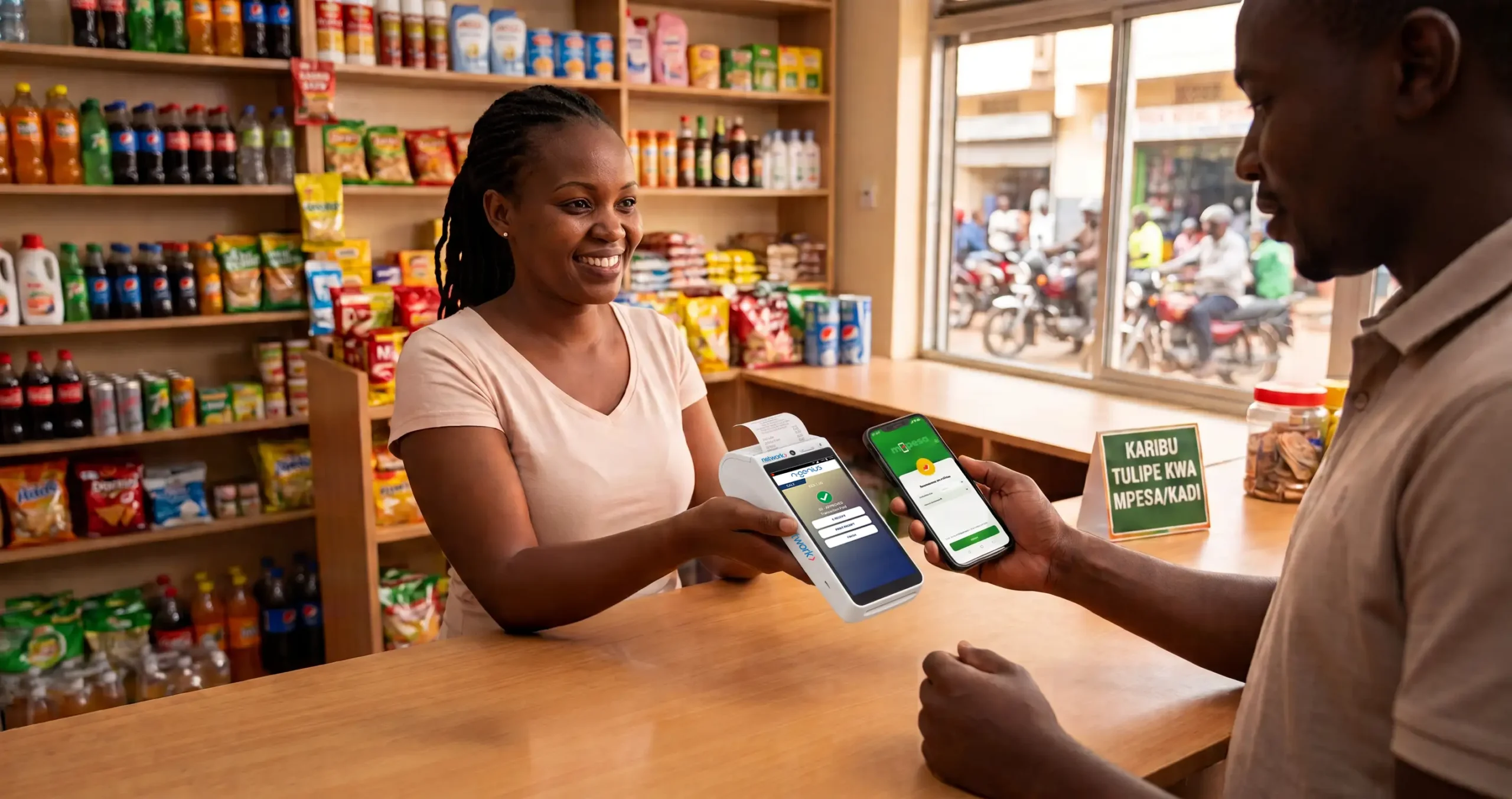
Your POS system should support the payment methods your customers prefer. Depending on the provider and solution, these may include:
Offering more ways to pay makes checkout easier for customers. It also helps your business support different customer preferences without relying on a single payment method.
POS software should make it easier to record sales and manage transactions. Look for features that help staff process payments, issue receipts and review sales activity quickly and efficiently.
Some systems also support:
The right features depend on what your team needs to do during a normal working day.
If your business sells physical products, stock management can be an important part of your POS system. A connected POS system may help you track products, monitor stock levels and identify which items are selling. This reduces the need to update sales and inventory records separately.
Before choosing a system, check whether it can support your current stock process and connect with the inventory software your business already uses.
Your POS solution should make it easier to understand how your business is performing.
Useful reporting features may include:
Clear reporting helps your finance and operations teams identify discrepancies and keep payment records organised.
A POS system should work with the other tools your business uses. Depending on your requirements, you may need integrations with:
Integrations reduce duplicate data entry and help your team manage information in one connected process.
Payment security should be a priority when choosing a POS payment solution. Ask how the provider protects payment information, how it controls access and what security standards apply.
You should also consider PCI DSS requirements if your business accepts, processes or transmits cardholder data. Using a payment provider that processes transactions and securely handles payment data can reduce the amount of sensitive card information your business must manage directly.
A card machine is primarily used to accept card payments. A POS system usually includes payment acceptance alongside software for managing sales and business operations.
A card machine may be suitable for a business that needs a straightforward way for customers to pay. A POS system may be more useful for a retailer, restaurant or growing business that needs sales records, stock management and reporting.
The two can also work together. A business may use a POS system to manage a transaction while a connected card machine processes the payment.
Some businesses need to accept payments both online and in-store. In this case, consider how the POS system will connect with your online payment gateway and ecommerce platform.
A connected payment set-up can help your business manage transactions across different channels. It may also make reporting and reconciliation easier by consolidating payment information into one process. Network International payment services include POS and card-machine solutions, as well as online payment and integration options.
Choosing a POS payment solution starts with understanding what your business needs in order to accept payments and manage transactions efficiently. Network International provides payment solutions for businesses evaluating their online payment needs. You can review its payment gateway, payment methods and integration options to assess how these services may fit into your payment process.
The right solution should help your business accept payments, manage sales information and support future growth without adding unnecessary complexity.
The best POS system for a small business is one that is easy to use, supports the payment methods customers prefer and includes the features needed to manage sales and reporting without unnecessary costs.
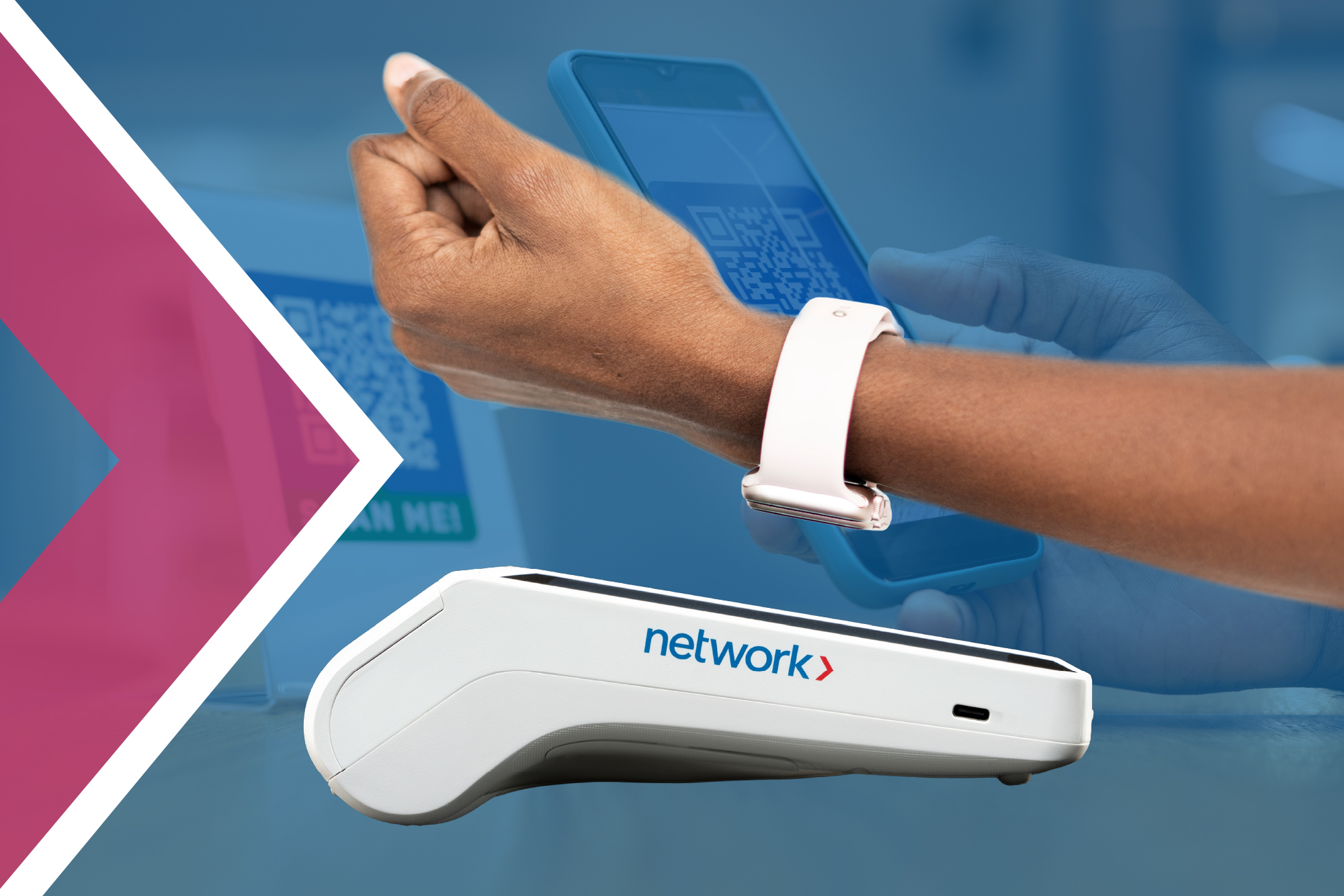
Many POS systems and card machines support contactless payments. Confirm that the provider supports the contactless payment methods your customers use.
POS systems can include security controls such as encryption, access restrictions and transaction monitoring. Businesses must also use the system securely and understand their PCI DSS responsibilities.